
Login procedure
Preparation of the self-assessment
The self-assessment provides the opportunity to involve the audited party in the audit process and thus obtain documentation and necessary input from the audited party even before the audit is carried out. All questions are excluded by default and the auditor can now select individual questions for inclusion:
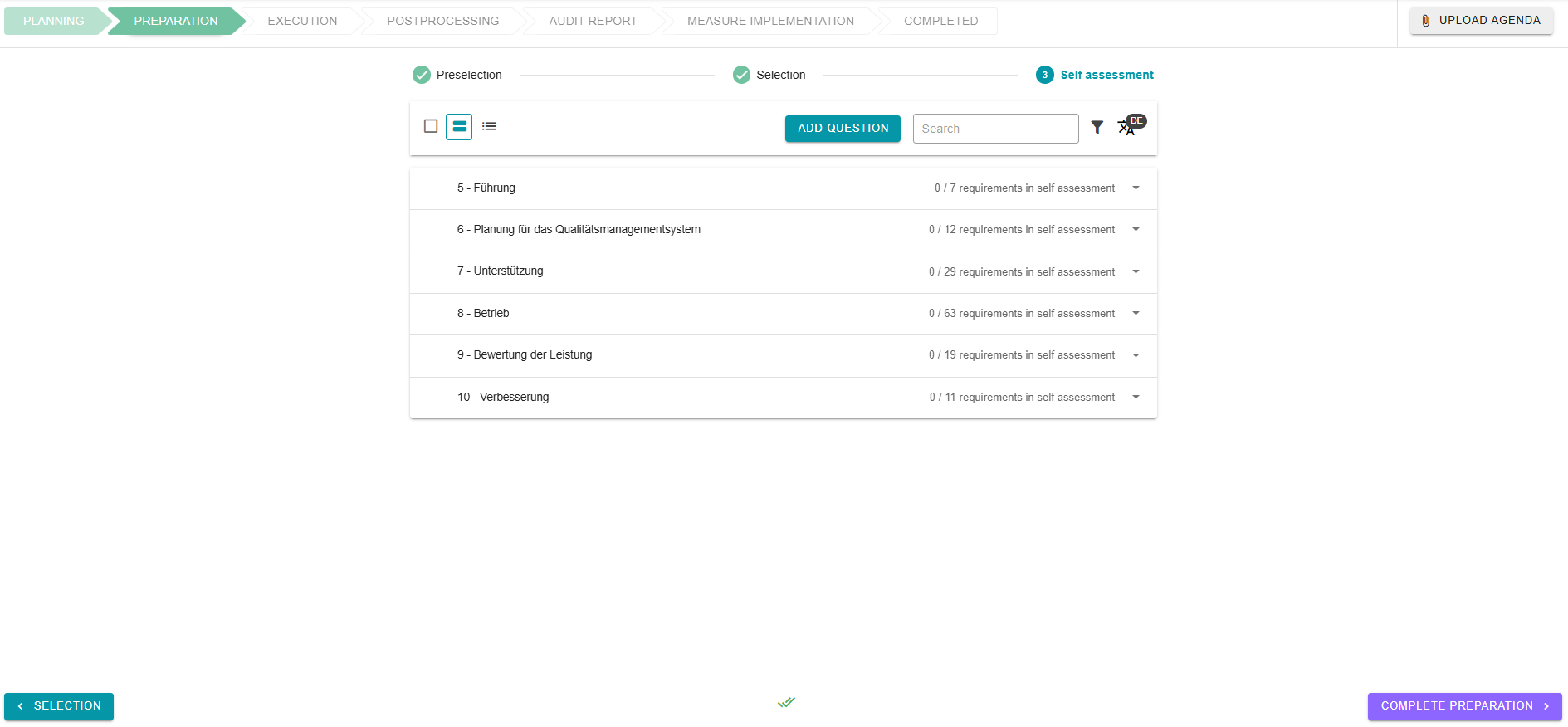
Specific self-assessment questions can be stored in the question list template. These are then displayed instead of the normal question in the self-assessment.
The navigation of the self-assessment selection works in exactly the same way as the selection itself. Select individual questions or categories and click on “Include”. Questions included in the self-assessment are marked by a green monitor on the right-hand side. Excluded questions have a crossed-out red monitor in the same place.
Tags and notes can still be added, although notes are not visible in the self-assessment.
As soon as you have finished selecting the self-assessment questions, you can end the preparation at the bottom right by clicking on the purple “Complete Preparation” button.