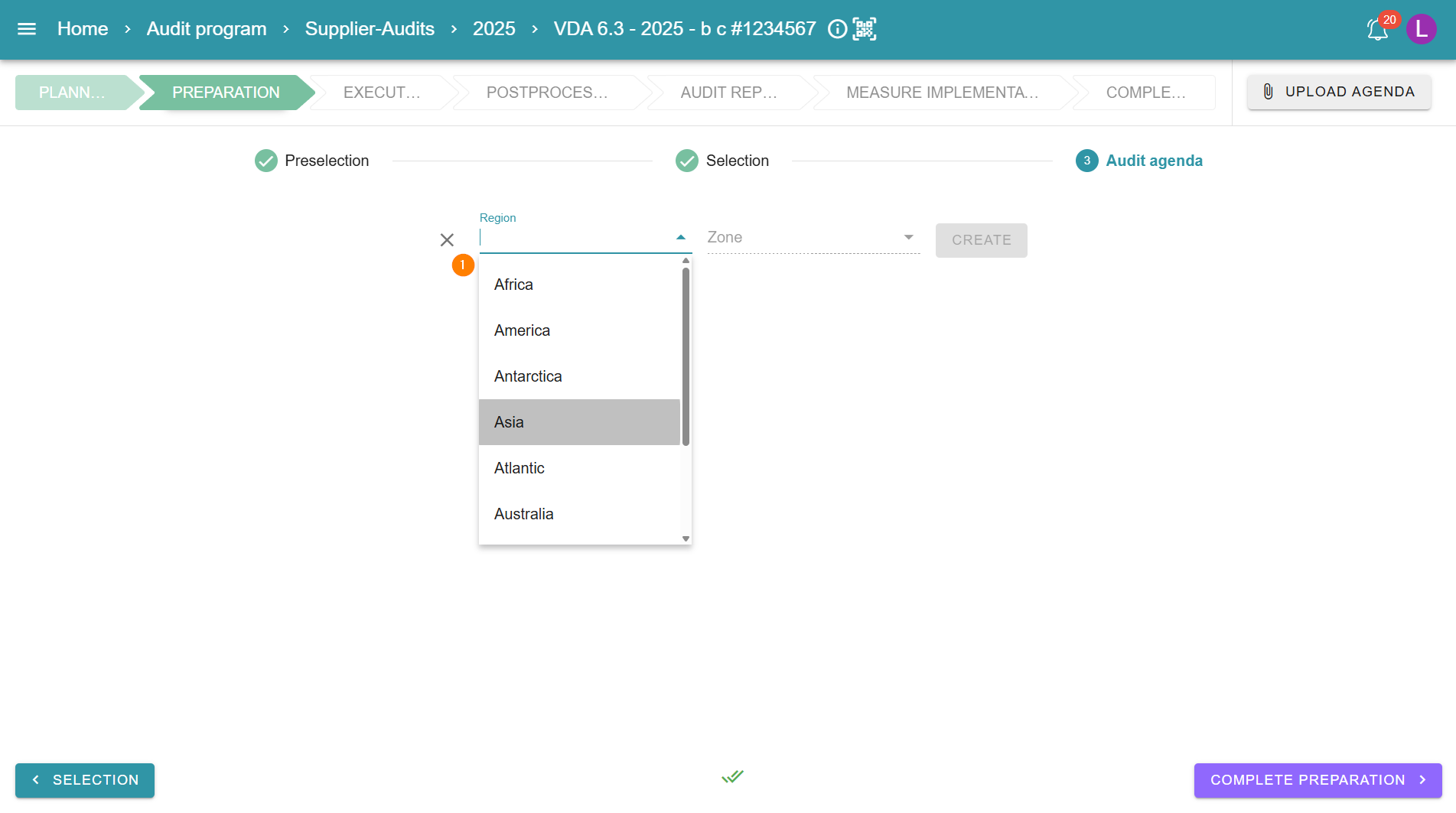
1 - Create audit agenda manually
When creating the agenda, the region and time zone are selected first.
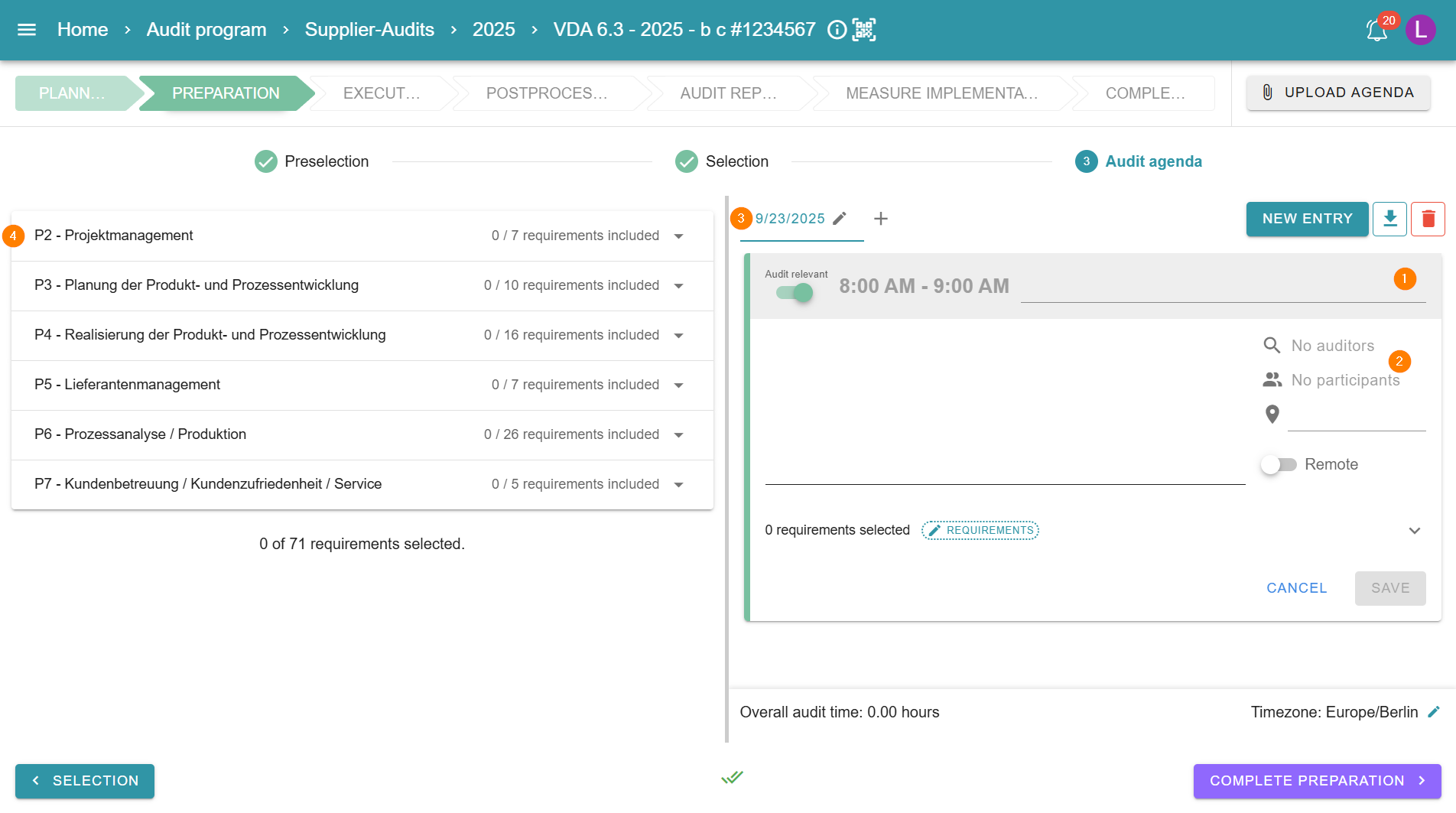
2 - Adding agenda items
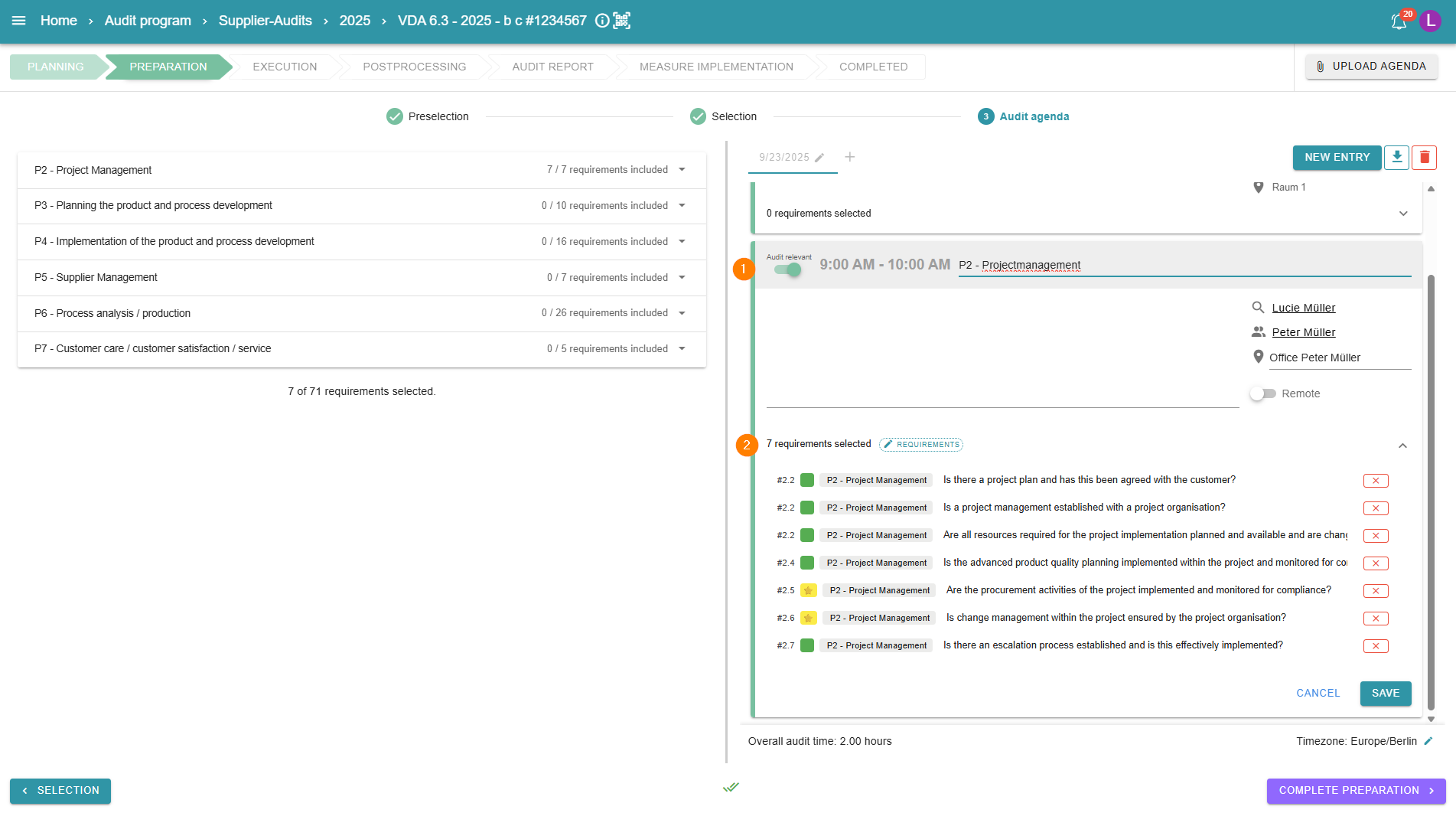
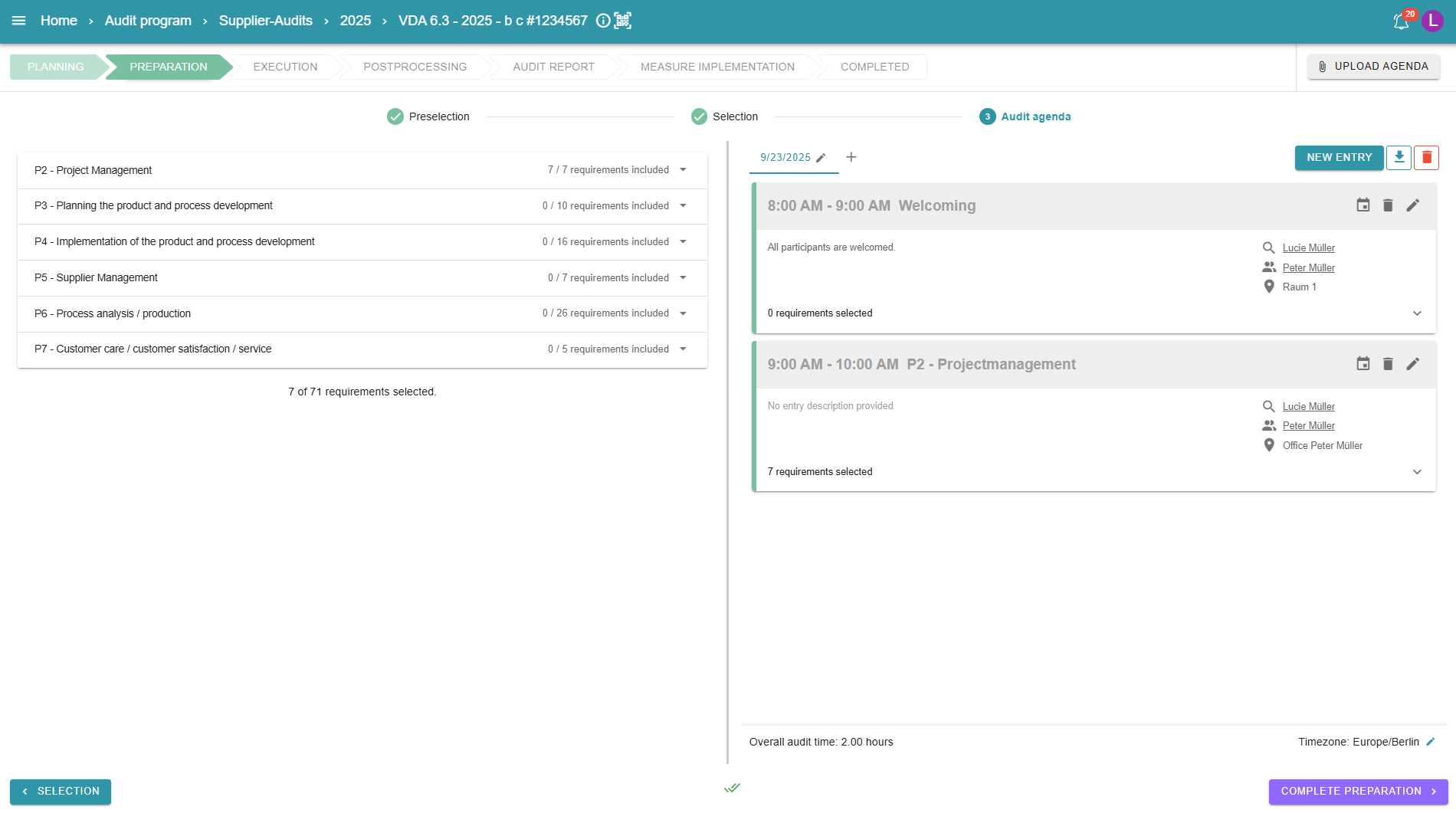
Once the time zone and region have been successfully set, the audit agenda opens and entries can be added. The title of the agenda item can be customized, as can the time period in which it takes place. It is also possible to specify a description, the auditors, the participants, and the location of the audit. Additional dates on which the audit takes place can be added to the agenda using the + next to the agenda date.
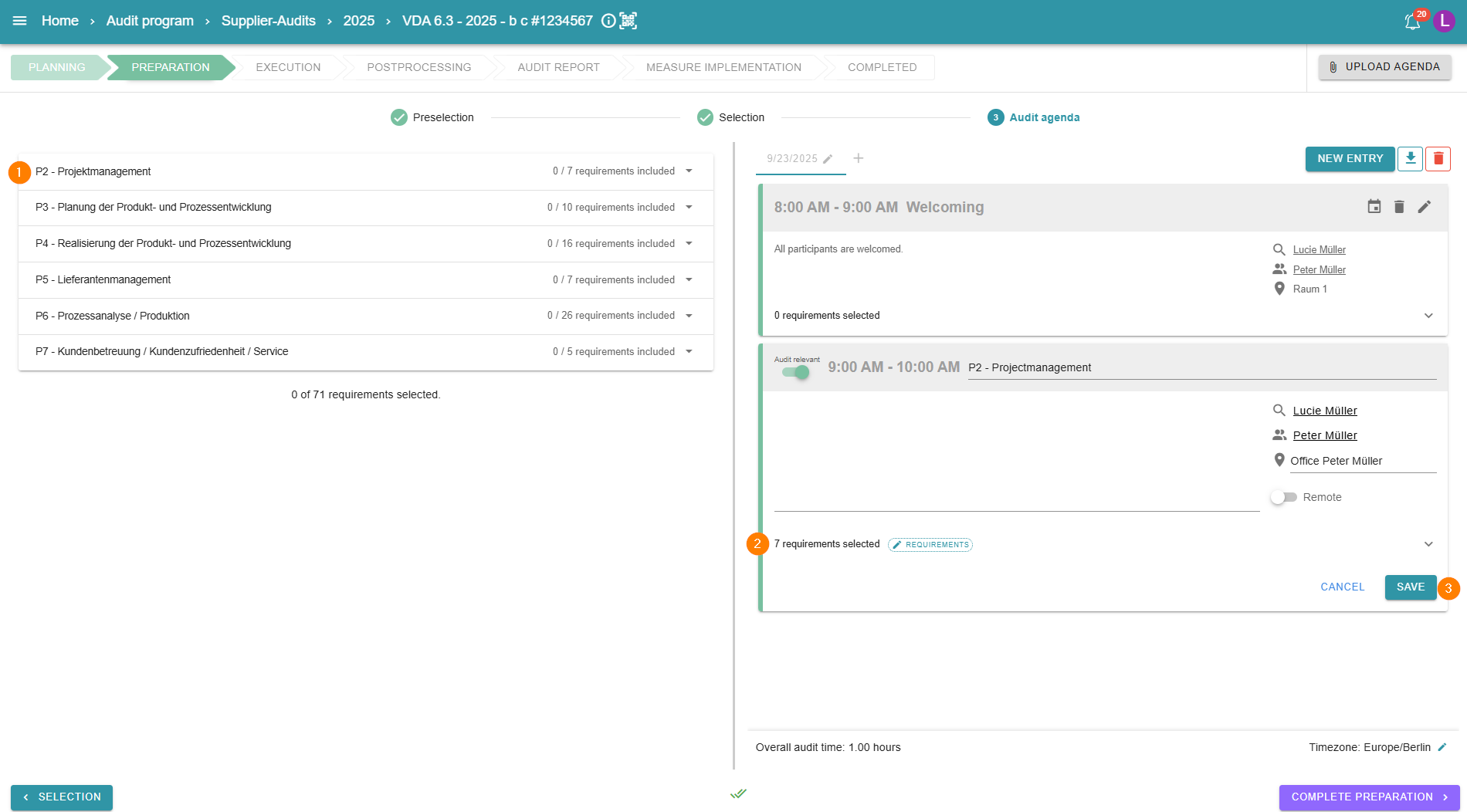
By preselecting and selecting the audit questions, these are also displayed within the Audit Agenda. Individual questions or entire categories can be assigned to the respective agenda items using drag and drop. It is also possible to remove individual questions.
3 - Audit relevance and total audit time
The audit relevance can be set individually for each agenda item using a slider. This function is linked to the display of the total audit time. Agenda items marked as audit-relevant are added up to the total time and can thus be evaluated within the AuditCloud.
4 - Inserting agenda items with questions
New agenda items can also be created by dragging and dropping individual categories. The category name is used as the title of the agenda item. After automatic creation, the agenda item can be edited as described above.
5 - Reusing an Audit Agenda
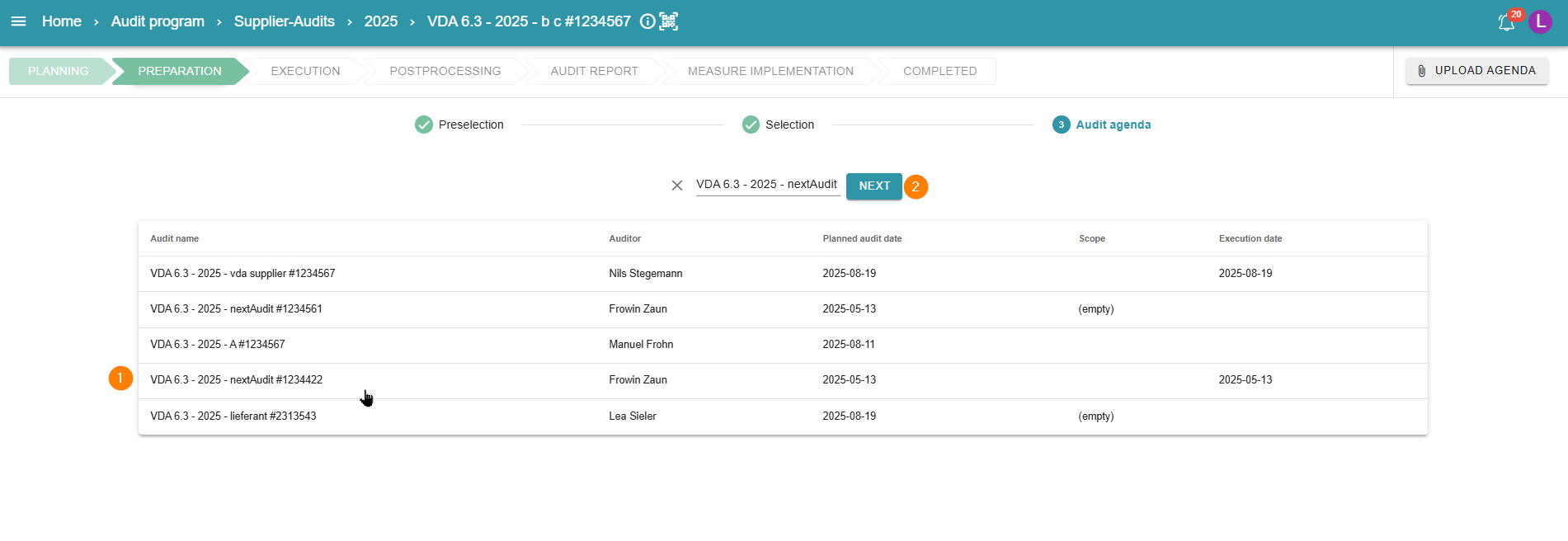
It is possible to reuse an agenda. To do so, use the “Reuse agenda” button. You can now select from existing agendas. Adjustments can be made in the same way as when creating a new agenda. Any changes are possible. It is important to note that the agenda of other audits cannot be changed.
6 - Selecting the reused agenda
Now you can choose from the various agendas and an agenda will be created.
7 - Complete preparation without agenda
It is possible to complete the preparation phase without an audit agenda. To do so, simply use the purple button at the bottom right to move on to the next phase.
8 - E-Mail notification
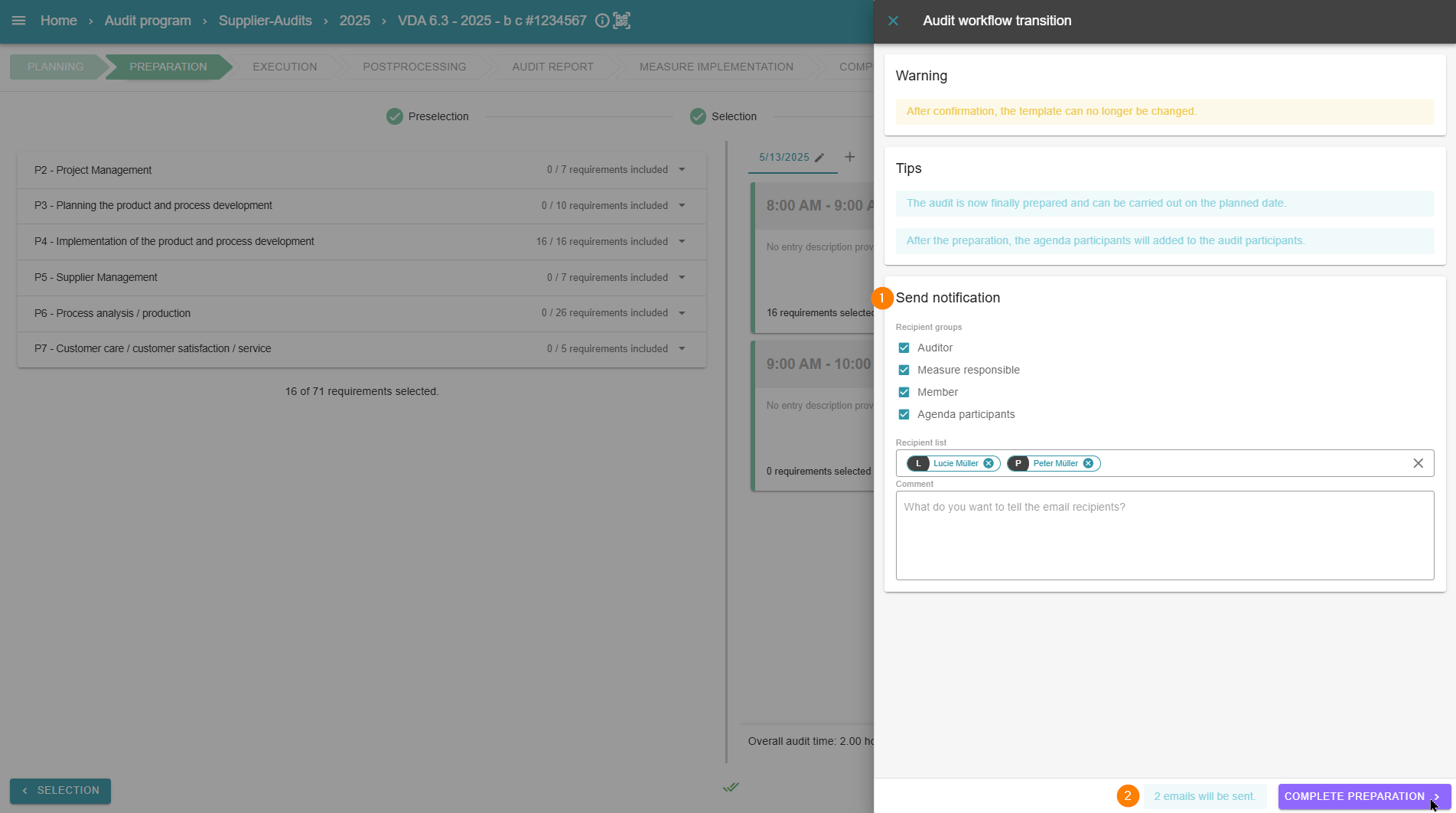
Once the agenda has been successfully created, the preparation phase can be completed. The agenda can be automatically sent by email to the various parties involved in the audit. The group of recipients can be customized.
9 - Download the agenda as a PDF file
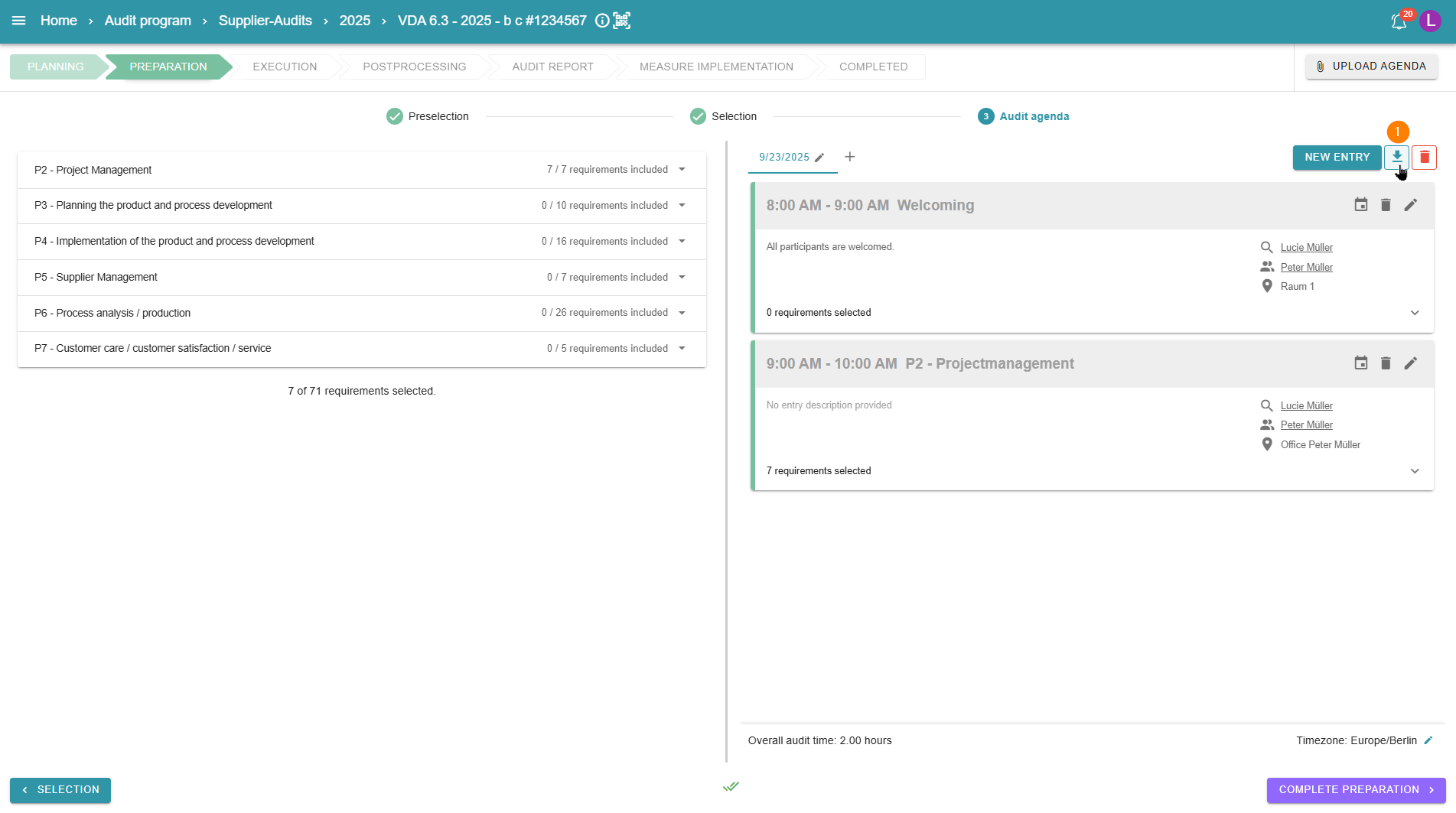
It is also possible to download the agenda as a PDF file. To do so, simply use the button at the top right.