
Manage master data
To add further entries to master data collections, a new or existing master data collection must be opened and selected. These can be accessed via the settings section in the sidebar.
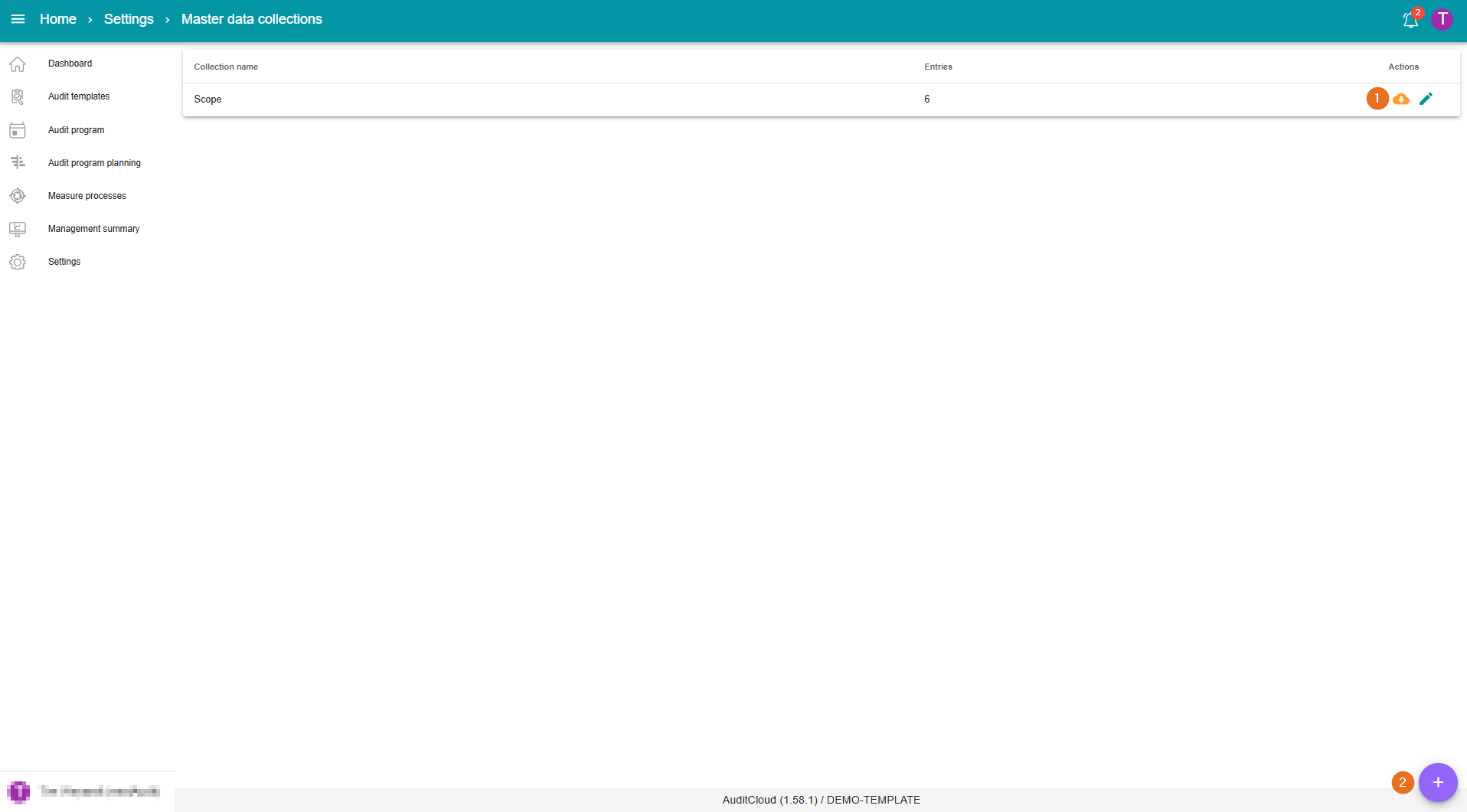
1 - Downloading/changing existing master data
By clicking on the “cloud icon”, you can download an Excel file containing the existing master data.
Individual entries in a master data collection can also be modified. To do this, click on the relevant master data collection and then on the green pencil icon for the respective entry within the master data collection.
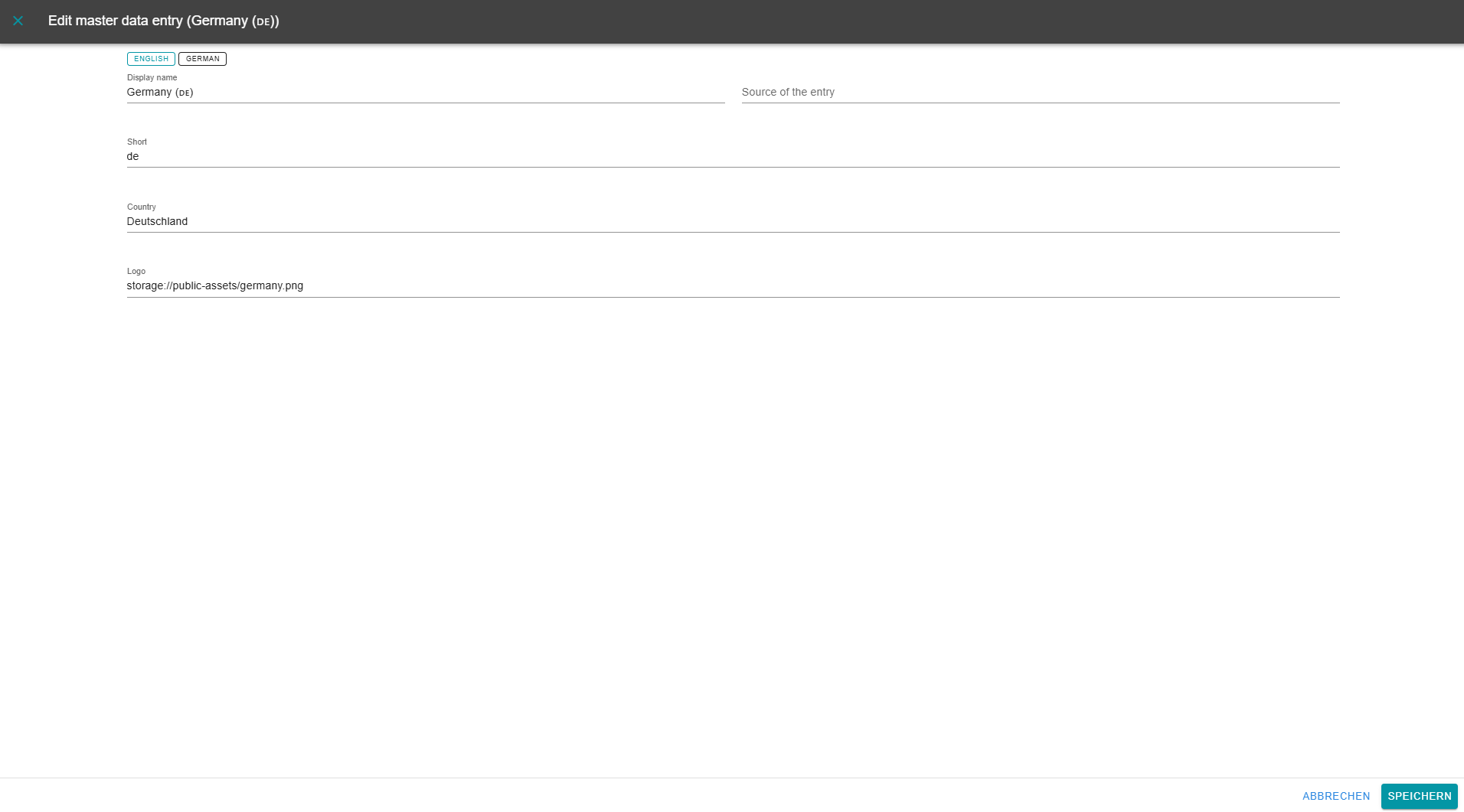
2 - Creating new master data entries
New entries can be added by clicking on the “purple plus symbol” within an existing collection.
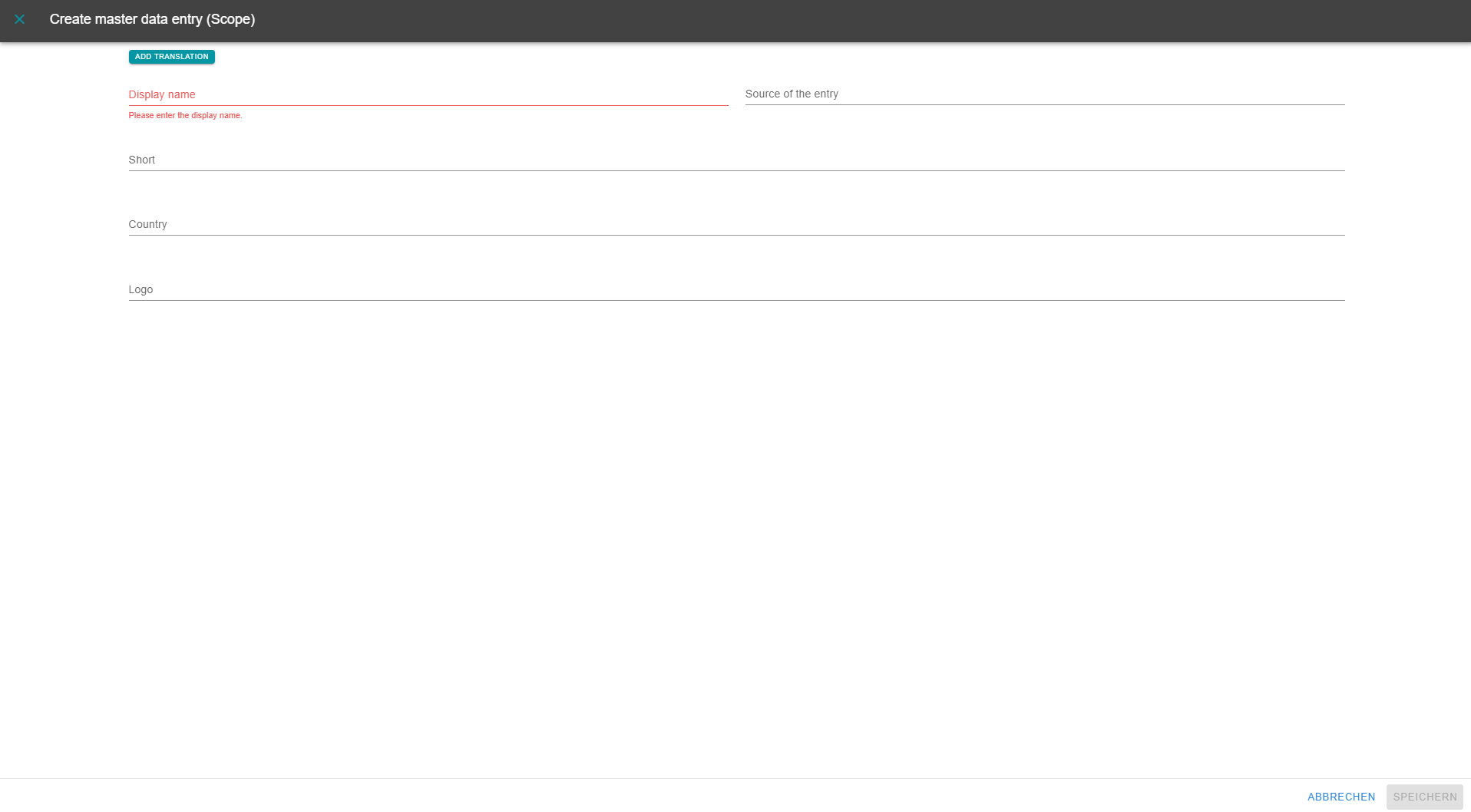
The existing fields are then filled in accordingly. It is also possible to enter the display name in English.