
🚨 Problem
In certain error cases, the browser cache may contain outdated/incorrect data that can cause errors in the application.
\uD83D\uDCD8 Solution
The error can often be resolved by following these instructions:
-
Open the AuditCloud
-
Reload the page with Ctrl+F5
If the error persists, the following steps can be taken:
-
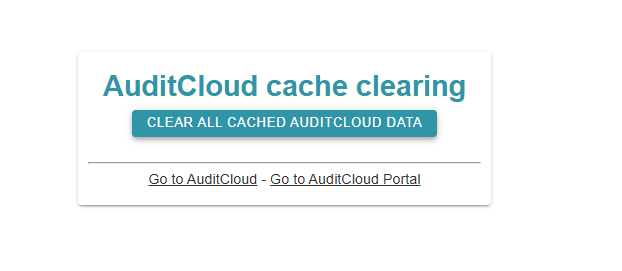
Call up https://CUSTOMER.next-audit.de/cache/
-
Instead of CUSTOMER, enter your subdomain here.
-
For example, if you work at Test AG, the URL could be called
https://test.next-audit.de/cache .
-
-
Click “CLEAR ALL CACHED AUDITCLOUD DATA”
-
The cache has now been cleared and you can log in to the portal or AuditCloud.
\uD83D\uDCCE Related articles